Reviews Not Found

Valued by Individuals

linking tasks, critical path and baseline discussions
abbey - Project Beginner Adelaide, .
I enjoyed learning about Tables, and how defining named ranges and cells helps us to use the functions effectively.
Robin - Excel Advanced Canberra, .
Easy to follow. Instructor was great
Mark - Project Beginner Adelaide, .
Slow paced with time to navigate software accordingly
Ross - Project Beginner Adelaide, .
Excel features specific to my job
Thara - Excel Advanced Canberra, .
The differences between vlookup and xlookup are very useful.
Ivy - Excel Advanced Canberra, .
useful advices, great examples, practices
Hooman - Excel Advanced Canberra, .
Pivot Table, index match
Prajwol - Excel Advanced Canberra, .
Great session. Thanks for going through the details and troubleshooting.
Irene - Power BI Desktop Advanced Reporting Remote East, .
Report features
Sylvia - Power BI Desktop Advanced Reporting Remote East, .
Background on General structure and features most useful in generating a report
Mark - Power BI Desktop Advanced Reporting Remote East, .
The course introduced many advanced techniques we can use in PowerBI.
Ling - Power BI Desktop Advanced Reporting Remote East, .

Trusted Nationwide by Leading Organisations

at Nexacu, we're proud to be the trusted training partner for hundreds of leading organisations across Australia and New Zealand. From government departments to top corporates, we help teams upskill and succeed everyday

  • 400+ companies rely on Nexacu for team training
  • Trusted by federal, state, and local government agencies
  • Delivering training across 9 countries

Why Nexacu?

step by step courseware

Step by Step Courseware

Custom workbook included with a step by step exercises

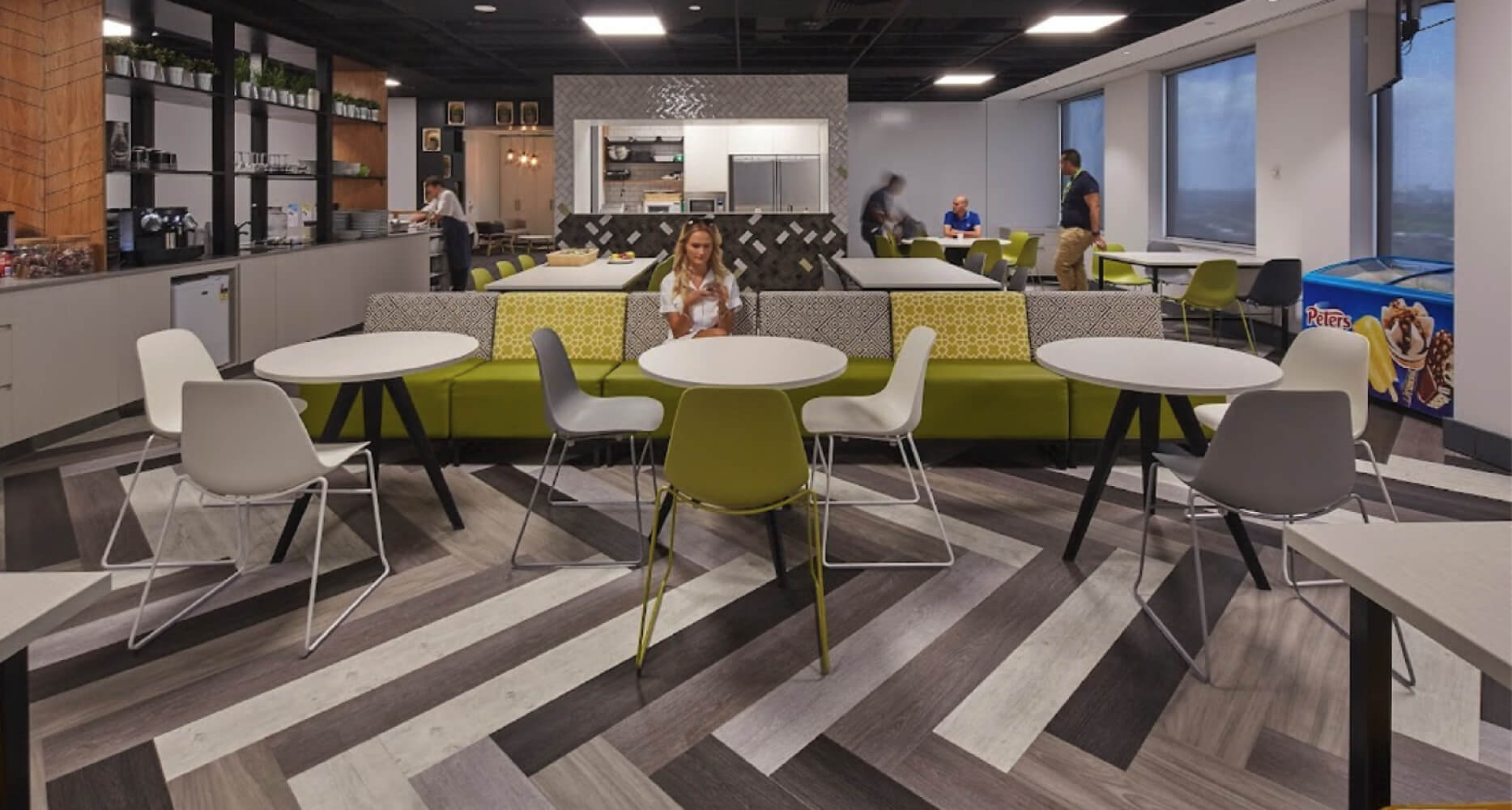
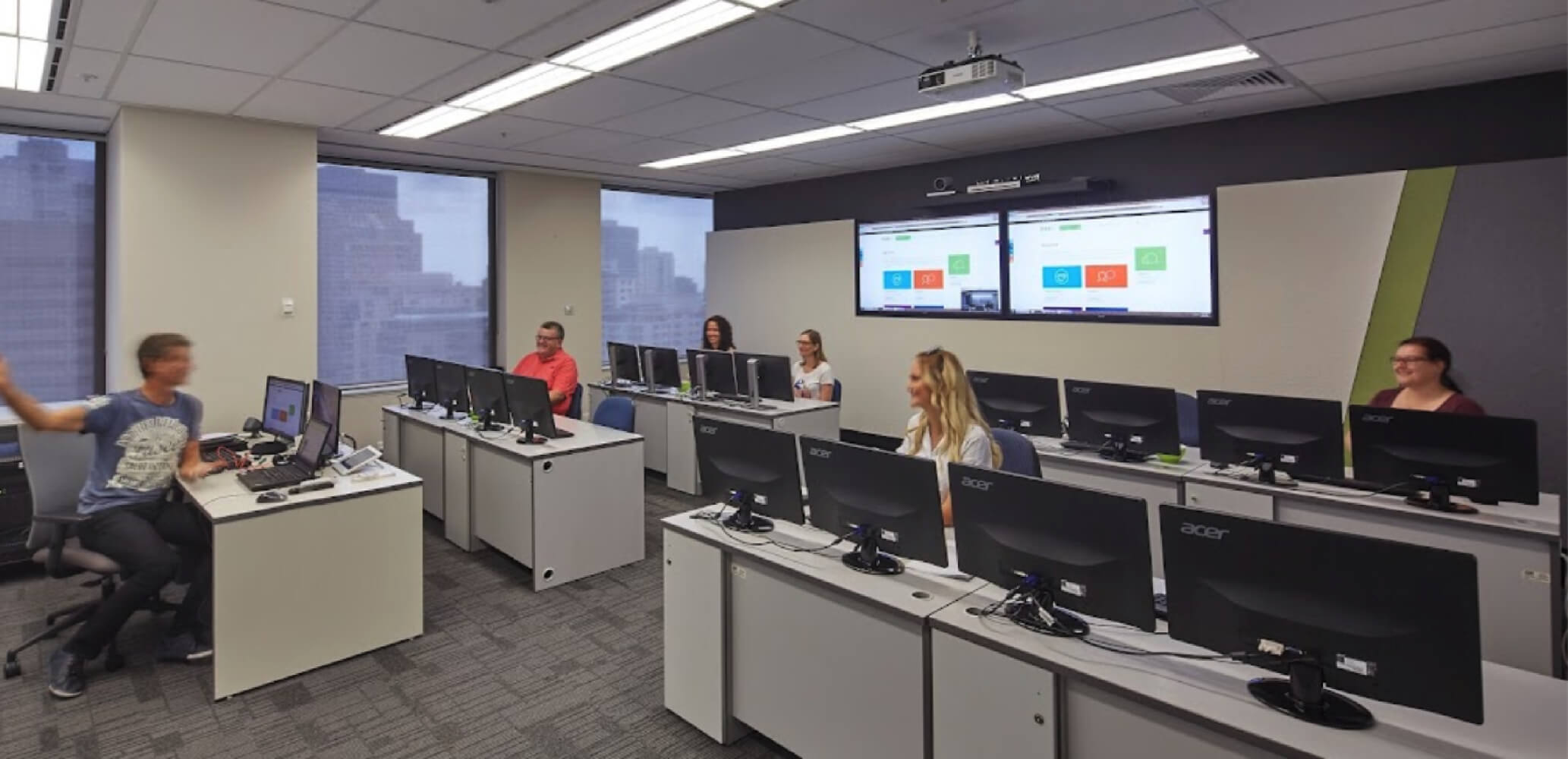
Facility Image 2
Facility Image 3
Facility Image 1

Interactive real time training

Interactive, Real-Time Training

Learn with expert instructors, wherever you are

More than 1,300 Business trust Nexacu

Trusted by Business

Procured by Government

Procured by Goverment