

Power BI and AI: Copilot and Claude Guide
Discover where Copilot and Claude fit into your Power BI workflow. Explore practical prompts, data preparation tips and checks that help you turn AI assistance into clearer, more reliable reports.
Insights & Blogs
Discover articles and tutorials to help you build better.

Discover where Copilot and Claude fit into your Power BI workflow. Explore practical prompts, data preparation tips and checks that help you turn AI assistance into clearer, more reliable reports.
Discover where Copilot and Claude fit into your Power BI workflow. Explore practical prompts, data preparation tips and checks that help you turn AI assistance into clearer, more reliable reports.
AI agents can help turn instructions into completed tasks. Discover how they differ from chatbots and automation, explore five workplace examples, and learn how to brief, check and measure your first AI-assisted workflow.
Discover what Office in Copilot means for Word, Excel and PowerPoint, with practical workplace examples, early access guidance and skills to build.
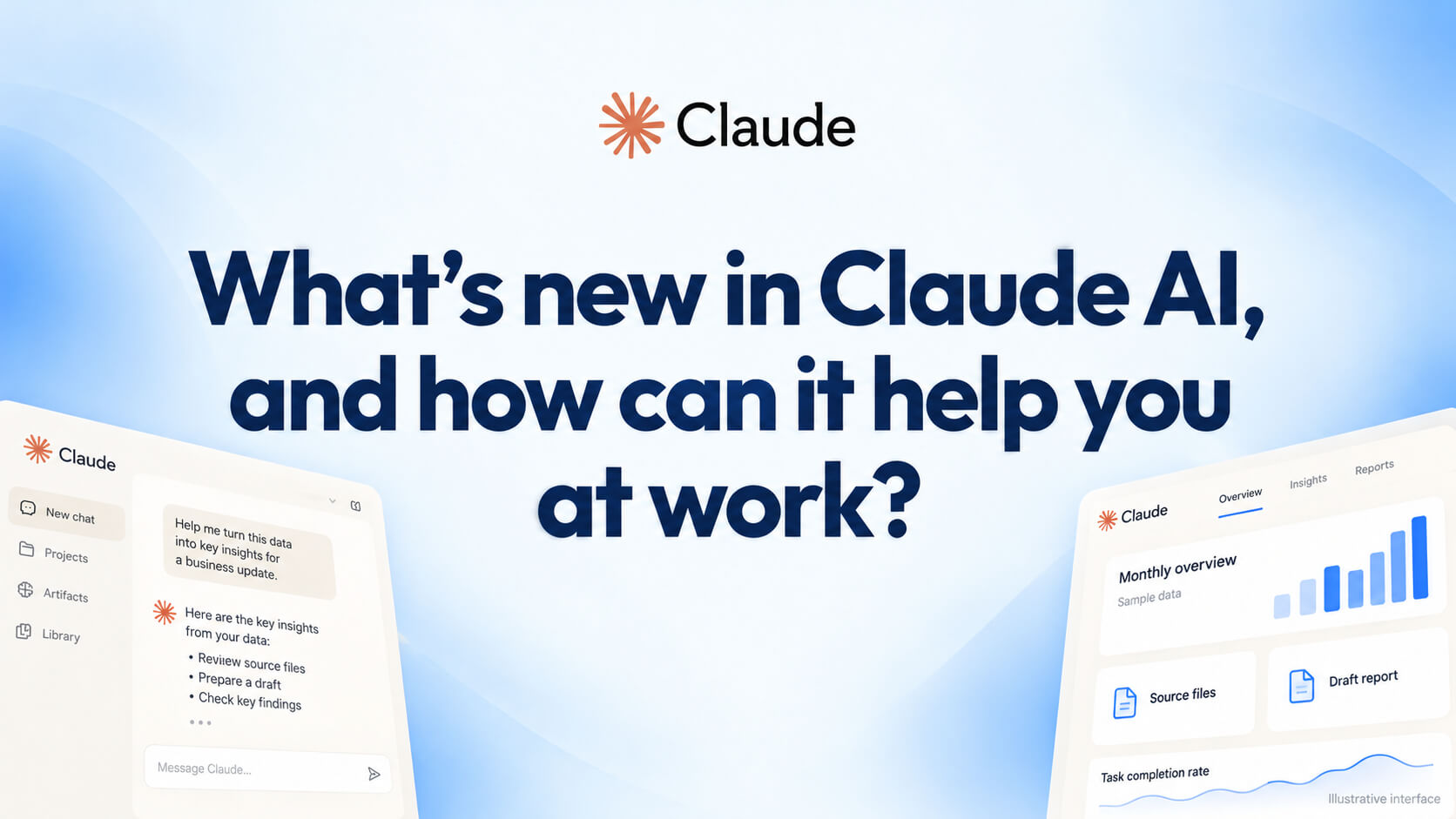
Claude’s latest updates bring new ways to create documents, delegate tasks and work with data. Discover what has changed and how Nexacu’s Claude AI course helps you build practical skills to use these capabilities confidently.
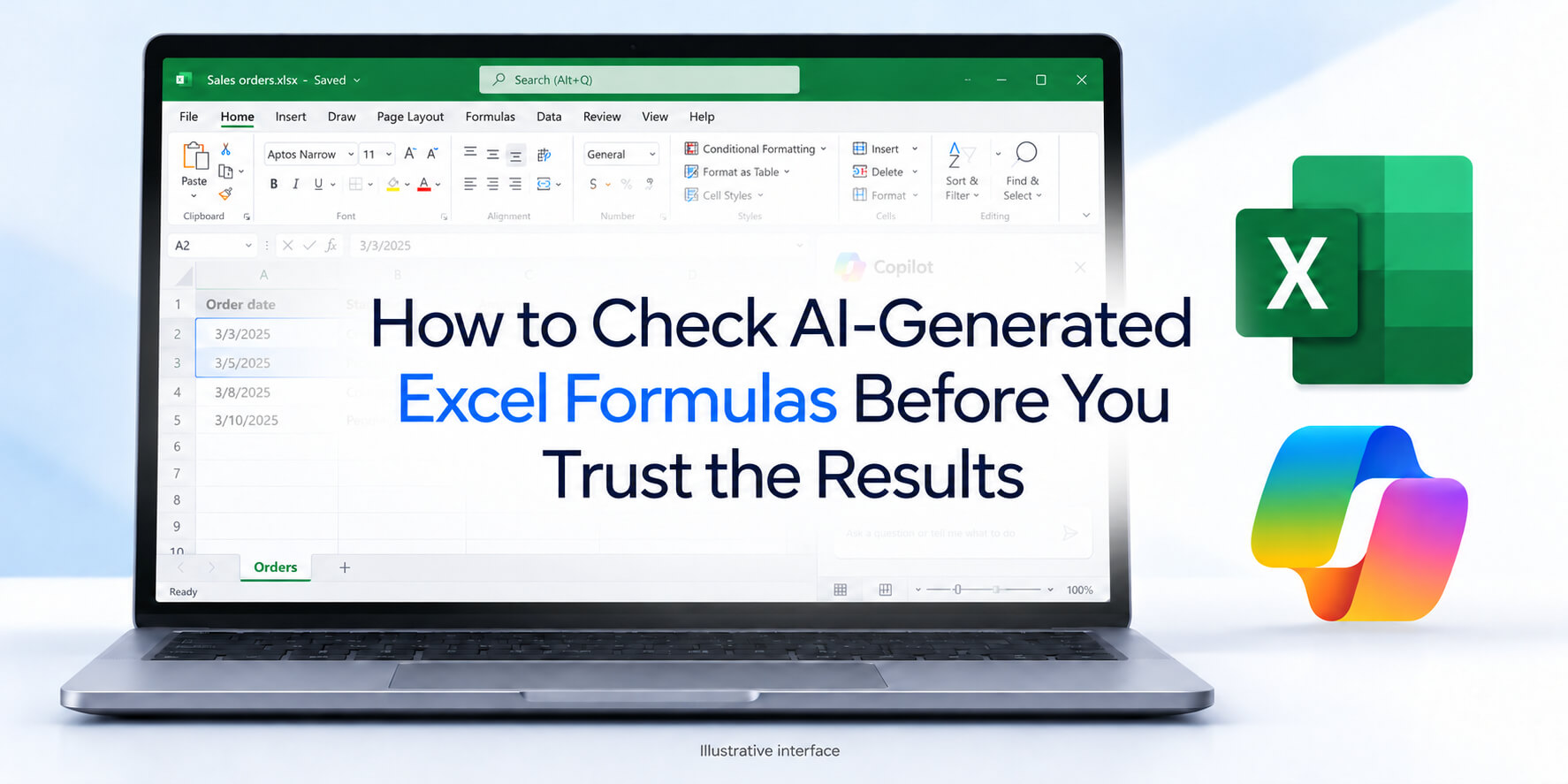
Copilot can help you write Excel formulas faster, but how do you know the result is right? Learn five practical checks and discover how Excel and Copilot skills work together to help you use your data confidently.
Finance says revenue is $2.4 million. Sales says $2.6 million. See why Power BI reports disagree, how a shared semantic model solves the problem, and the ten-minute audit that reveals where your metric definitions have drifted.
One window on each monitor. Scroll one, find the row in the other, copy, paste. It works, which is exactly why nobody has stopped to fix it.
Someone spends the first week of every month rebuilding a report they already built last month. They are good at it, which is part of the problem.
94% of Australian organisations say they follow AI standards. Only 33% have an AI governance committee. Learn what a risk assessment covers, and why the policy comes last.
12% of Australian businesses say they use AI. 84% of Australian workers say they do. Learn what that gap means for your organisation, and why banning tools means it worse.

Not sure whether to save a file in SharePoint, OneDrive or Teams? Learn what each Microsoft 365 platform is best used for and how to keep your organisation’s files accessible, organised and secure.

Heard of Microsoft Copilot but not sure what it actually is? This plain-English 2027 guide explains what Microsoft Copilot is, how it works, what it can access across Word, Excel, Outlook and Teams, whether your data is protected, and which version your team really needs.

Explore Nexacu’s role-based Microsoft Copilot workshops for executives, HR, finance, legal, operations, sales, marketing and customer service teams. Learn how each workshop helps teams apply Copilot to real workplace tasks and choose the right training pathway for your organisation.

Learn the essential Excel skills beginners need, then follow the complete pathway from Beginner to Expert. This guide also covers specialist Excel courses, Copilot for Excel, and eight role-based Copilot workshops for teams.

XLOOKUP is an Excel function used to search for a value in one range and return a related value from another range. It is commonly used to find prices, names, IDs, dates, product details, employee records and other matching information in a spreadsheet.

Microsoft Copilot can support better writing, analysis, communication and collaboration, but access alone does not guarantee adoption. This article explains why Copilot licences may go underused and how practical, hands-on training can help Australian teams build confidence and apply AI skills in everyday work.

Australian teams invested heavily in Microsoft Copilot, Power BI, Excel, Power Automate and project management during H1 2026. Here is what the trend says about skills gaps, productivity priorities and how to plan your H2 training budget.

In the rush to adopt AI tools, many organisations are discovering that technology alone doesn’t deliver results. The real advantage now lies in human skills emotional intelligence, adaptive leadership, resilience, and the ability to lead people through rapid change.

Copilot can make Power BI faster, but only when your data model, measures, metadata and governance are ready. Learn why Power BI Copilot gets answers wrong and how to improve accuracy.

Learn how to use Pivot Tables in Excel to summarise data, analyse trends and build clearer reports. This complete guide covers setup, formatting, advanced features, common fixes and practical business examples.
at Nexacu, we're proud to be the trusted training partner for hundreds of leading organisations across Australia and New Zealand. From government departments to top corporates, we help teams upskill and succeed everyday










Students
4 & 5 Star Reviews
Google Reviews
Businesses Trust Nexacu

Custom workbook included with a step by step exercises



Learn with expert instructors, wherever you are


















Valued by Individuals
